 BoxDiegen
· Simple Tray
BoxDiegen
· Simple Tray
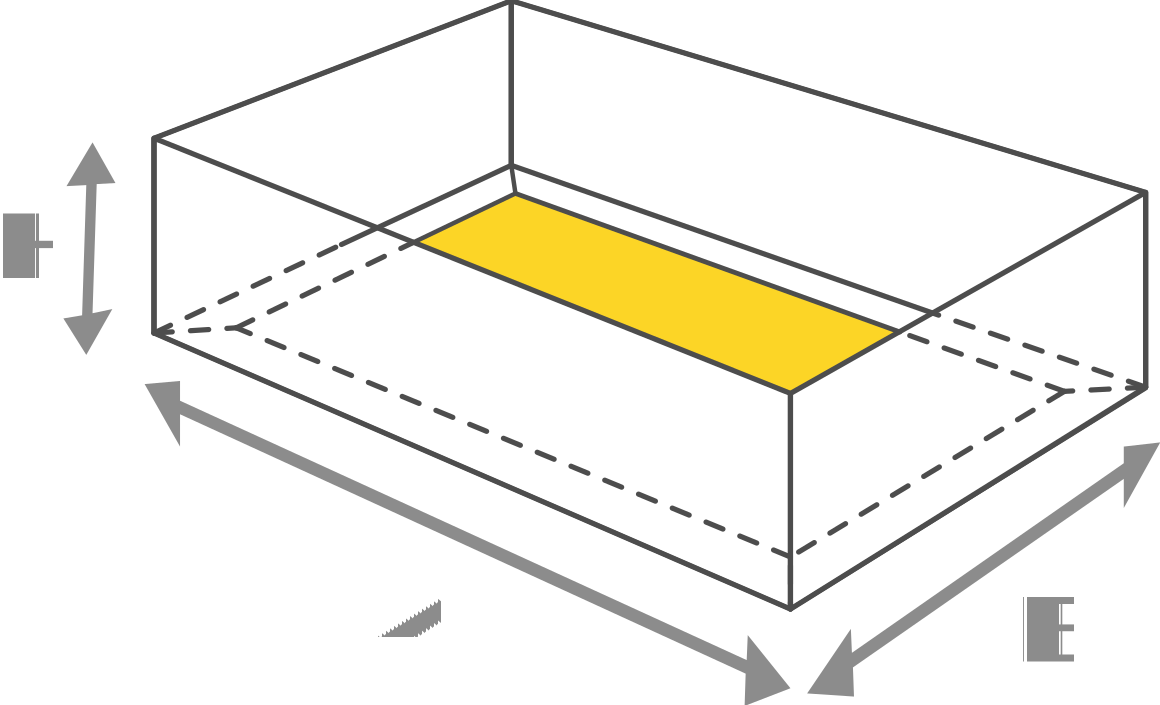
Simple Tray can be used as a separate product or as a lid and tray in a two-piece box. Both components have a double-wall structure, which makes the box very strong and durable. It is the simplest design that requires no gluing.
The simple tray is a shallow, open box that folds up from one flat sheet with no glue at all. Use it on its own as a display or serving tray, or make two and pair them as a tray and lid. This generator draws the dieline in your size and exports it free as PDF and SVG.
A simple tray is a low-walled box formed from a single piece of board. The base sits in the middle of the dieline, four walls fold up around it, and corner flaps lock or overlap to hold the shape. Because the walls are folded from doubled material at the corners, the tray is surprisingly rigid for something that needs no glue, no tape and no staples.
The same tray design works at two levels of packaging. On its own it is a serving, display and transport tray for food, cosmetics and small goods. Made twice in matching sizes, one tray becomes the base and the second becomes the lid of a classic two-piece box, the style used for chocolates, garments, gift sets and electronics. Trays ship flat and fold up in seconds at the packing bench.
Tray sizes are given as the base length and width plus the wall height. These popular sizes suit most uses.
| Size (W × D × H) | Typical use |
|---|---|
| 150 × 100 × 35 mm (5.9 × 3.9 × 1.4 in) | Chocolate and sweet assortments |
| 200 × 140 × 40 mm (7.9 × 5.5 × 1.6 in) | Garments and accessories |
| 210 × 150 × 40 mm (8.3 × 5.9 × 1.6 in) | Gift sets and A5 stationery |
| 250 × 180 × 50 mm (9.8 × 7.1 × 2 in) | Electronics and boxed sets |
| 300 × 200 × 60 mm (11.8 × 7.9 × 2.4 in) | Display and transport trays |
Because nothing is glued, board choice matters. Sturdy paperboard of 300 to 350 gsm holds a clean fold for small trays, and light corrugated board suits large display and transport trays. If the tray will carry weight, test it loaded, since the corner flaps take the strain.
Red lines are cut lines, green dashed lines are folds and blue dotted lines are perforations. Print at 100 percent scale and fold a sample from cheap board first. For a two-piece box, generate the lid as a second tray with A and B increased by roughly 2 to 4 mm plus twice your material thickness, so it slides over the base without forcing.
Does a simple tray really need no glue?
Correct. The walls fold up and the corner flaps hold the shape by friction and overlap. It is one of the simplest box structures to produce, and it can be unfolded flat again for storage.
How do I make a matching lid for my tray?
Generate a second tray with the same wall height and slightly larger A and B values. Add roughly 2 to 4 mm plus twice your material thickness to each side so the lid tray slides over the base tray. Fold a test pair to confirm the fit before production.
Is this tray dieline generator free?
Yes. It is free to use with no signup, and you can download unlimited dielines as PDF or SVG.
What is the wall angle setting for?
The angle controls how much the walls lean outward. Straight walls give a box-like tray that pairs well with a lid, while a slight outward angle makes trays easier to fill, empty and nest inside each other.
Which material should I choose?
Use 300 to 350 gsm paperboard for retail and gift trays, and light corrugated board for large or heavy duty trays. Match the material setting to your board so the corner folds land correctly.
Can I use the tray for food?
The dieline works for bakery and food trays, but food contact depends on the board you print on. Choose a food grade board from your supplier when the tray will touch unwrapped food.
Frame Tray · Mailer Box · Cake Box Auto Bottom · Tuck End Box